- Java 99.6%
- C++ 0.4%
| Filename | Latest commit message | Latest commit date |
|---|---|---|
| basic | ||
| digital | ||
| draft | ||
| i2c | ||
| javafx | ||
| pixelblaze | ||
| pwm | ||
| serial | ||
| spi | ||
| .gitignore | ||
| CLA.md | ||
| CODE_OF_CONDUCT.md | ||
| CONTRIBUTING.md | ||
| dco.txt | ||
| GOVERNANCE.md | ||
| LICENSE | ||
| README.md | ||
| SECURITY.md | ||

Pi4J V2 :: Java I/O Library for Raspberry Pi :: JBang example code



This project contains several example applications that you can run as single files with JBang, using the Pi4J (V2) as demonstrated on Voxxed Days Brussels on May 23th 2023.
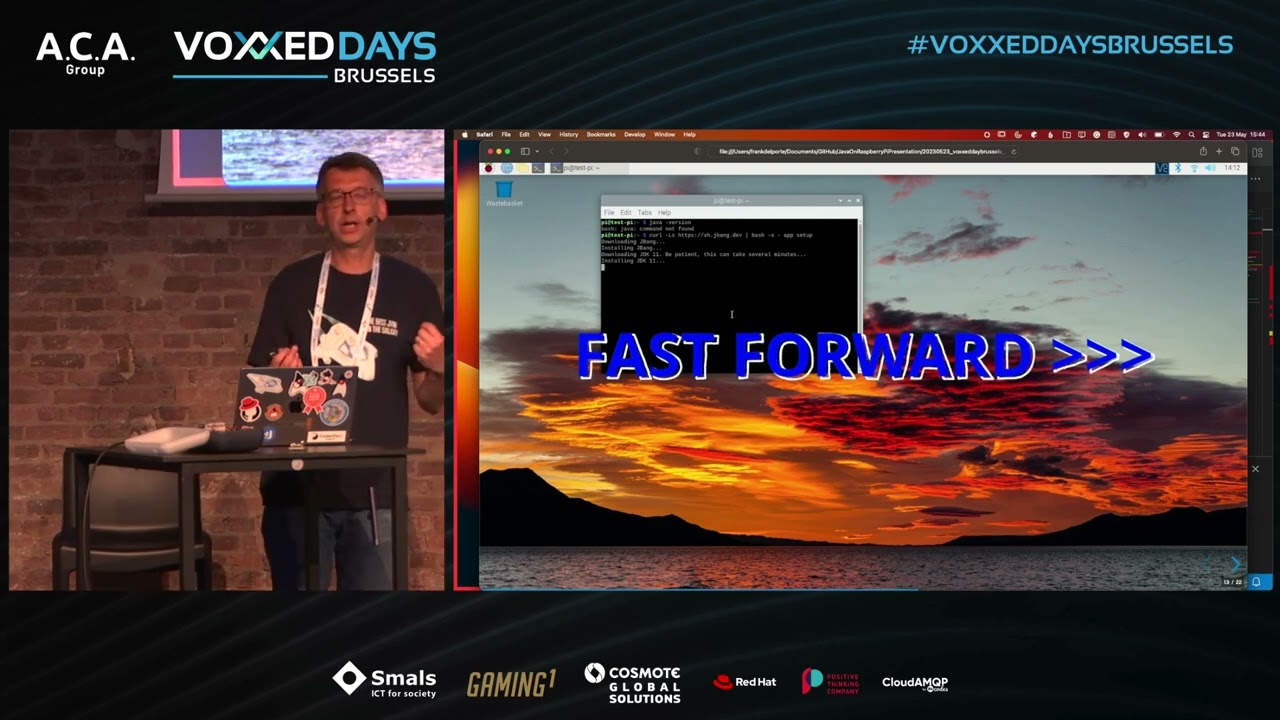
More info is available on pi4j.com: "Running Pi4J with JBang".
PREREQUISITES
- A Raspberry Pi with recent Raspberry Pi OS.
- Install JBang as described on jbang.dev/download. JBang will install Java if it's not installed yet.
# Install JBang
$ curl -Ls https://sh.jbang.dev | bash -s - app setup

# Check JBang by requesting its version
$ jbang --version
0.109.0
- OPTIONAL: Use Visual Studio Code, the free IDE.
# Install Visual Studio Code
$ sudo apt install code
- OPTIONAL: Install the following extensions in Visual Studio Code:
SCRIPTS IN THIS PROJECT
This project contains several examples to demonstrate both JBang and Pi4J. Each java-file is a full-containing runnable JBang application. This means you don't need Maven, Gradle, or other Java build tool.
To tell JBang that it must handle the file as a Java application and do some upfront preparation work, the first line in
each file is: ///usr/bin/env jbang "$0" "$@" ; exit $?.
When an application needs dependencies, they are defined inside the file itself in a line starting with //DEPS. For
instance, to use the Pi4J Core library: //DEPS com.pi4j:pi4j-core:2.3.0.
Provided examples per directory
basicHelloWorld.java: Basic Java example, can be executed on any computer.JsonParsing.java: Shows how to use dependencies, can be executed on any computer.
digital- Pi4J Digital Input and Output (GPIO) examples for Raspberry Pi.
i2c- Pi4J I2C examples for Raspberry Pi.
javafx- Basic JavaFX example, can be executed on any computer.
pixelblaze- How to control LED strips via serial connection to a PixelBlaze Output Expander, can be executed on any computer with a serial (USB) connection.
pwm- Pi4J PWM examples for Raspberry Pi.
serial- fazecast:jSerialComm example (to be reworked to Pi4J).
spi- Pi4J SPI examples for Raspberry Pi.
GET FROM GITHUB
You can clone this project to your Raspberry Pi in the terminal with the following commands:
$ git clone https://github.com/Pi4J/pi4j-jbang
$ cd pi4j-jbang
EXAMPLE USAGE
Check the description of each example in the file itself for more information! These are only a few examples:
// Execute HelloWorld
$ cd basic
$ jbang HelloWorld.java
[jbang] Building jar...
Hello World

// Execute basic.JsonParsing that needs fasterxml libraries
$ jbang JsonParsing.java
[jbang] Resolving dependencies...
[jbang]    com.fasterxml.jackson.core:jackson-annotations:2.14.1
[jbang]    com.fasterxml.jackson.core:jackson-core:2.14.1
[jbang]    com.fasterxml.jackson.core:jackson-databind:2.14.1
[jbang] Dependencies resolved
[jbang] Building jar...
Data loaded from JSON:

Log message at 2023-02-08T14:39:44.342Z[UTC]
        Severity: Informative message
        Message: Program started
Log message at 2023-02-08T14:39:45.921Z[UTC]
        Severity: Warning message
        Message: File X not found
Log message at 2023-02-08T14:39:46.357Z[UTC]
        Severity: Error message
        Message: Error at line Y

// Execute ButtonLed that needs the Pi4J and SLF4J libraries.
// This example must be executed with sudo as described in the file itself.
$ cd ..
$ cd digital
$ jbang ButtonLed.java
[jbang] Building jar...
[main] INFO com.pi4j.Pi4J - New auto context
[main] INFO com.pi4j.Pi4J - New context builder
[main] INFO com.pi4j.platform.impl.DefaultRuntimePlatforms - adding platform to managed platform map [id=raspberrypi; name=RaspberryPi Platform; priority=5; class=com.pi4j.plugin.raspberrypi.platform.RaspberryPiPlatform]
[main] INFO com.pi4j.util.Console - LED high
[main] INFO com.pi4j.util.Console - LED low
WIRING
The Pi4J examples in this project, require electronic components attached to the Raspberry Pi. Where applicable, in the code directory, you can find more information about the connections and a wiring scheme.
LICENSE
Pi4J Version 2.0 and later is licensed under the Apache License, Version 2.0 (the "License"); you may not use this file except in compliance with the License. You may obtain a copy of the License at: http://www.apache.org/licenses/LICENSE-2.0
Unless required by applicable law or agreed to in writing, software distributed under the License is distributed on an "AS IS" BASIS, WITHOUT WARRANTIES OR CONDITIONS OF ANY KIND, either express or implied. See the License for the specific language governing permissions and limitations under the License.